
How to Programme a Light Switch Timer (Step-by-Step Guide UK)
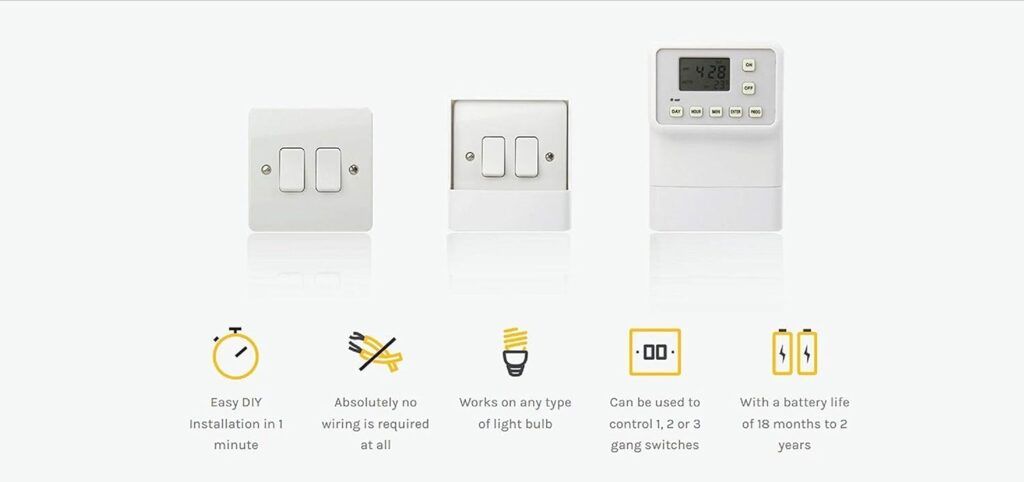
A light switch timer is programmed by setting the current time and then choosing when your lights turn on and off using the programme button. Once set, your lights will run automatically on a daily or weekly schedule.
This simple upgrade helps improve home security, reduce energy use, and make your home feel lived-in — even when you’re away.
Why Use a Light Timer Switch?
A light timer switch is one of the easiest ways to make your home safer and more convenient.
It works by automatically controlling your lighting based on times you choose.
Key benefits:
- Turns lights on and off automatically
- Makes your home appear occupied
- Helps deter opportunistic burglars
- Reduces unnecessary energy use
Most homeowners use timer switches when they’re out in the evening or away on holiday.
How Do You Program a Light Switch Timer?
To program a light timer, you set the current time, enter your ON and OFF times, and save the programme.
Quick overview:
- Set the current day and time
- Press “Prog” to begin
- Choose your ON time
- Choose your OFF time
- Save and exit
Once saved, the timer will repeat this schedule automatically.
Step-by-Step: How to Set a Light Timer Switch
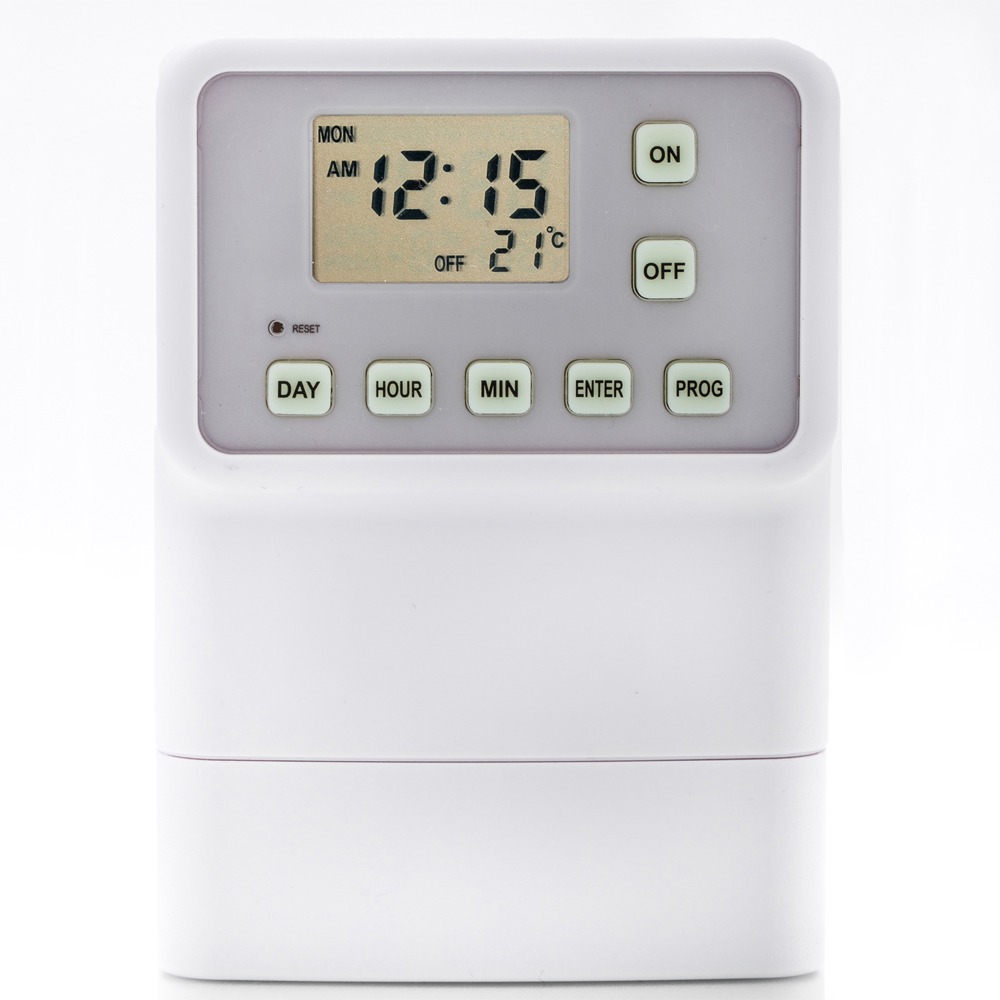
Step 1: Set the Current Time
Before anything else, make sure the clock is correct.
Press Enter, then use the arrow buttons to select:
- Day
- Hour
- Minute
Press Enter again to confirm.
Accurate time settings are essential — otherwise your lights will switch at the wrong times.
Step 2: Program Your ON and OFF Times
Press Prog to start programming.
Then:
- Set your ON time (for example, when it gets dark)
- Press Enter
- Set your OFF time (such as bedtime)
- Press Enter again
Press Prog to exit and save your settings.

Step 3: Choose Days or Repeat Schedules
Most timer switches allow flexible scheduling.
You can:
- Run the same schedule every day
- Set weekday and weekend timings
- Create multiple programmes for different times
This is especially useful if you want your lighting to look natural while you’re away.
Best Settings for Home Security Lighting
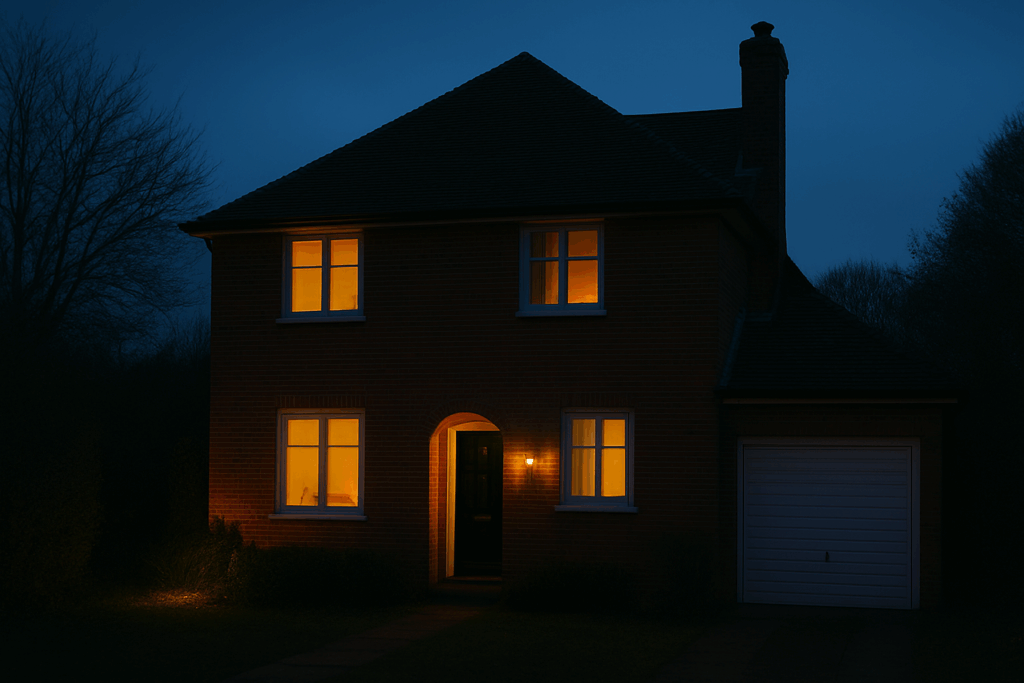
To make your home look occupied, your lighting should follow realistic patterns.
Most people:
- Turn lights on around sunset
- Turn them off before going to bed
- Use slightly different timings in different rooms
This creates a more natural appearance than having lights on all night.
Do Light Timer Switches Deter Burglars?
Yes — timed lighting can help reduce the risk of break-ins.
While it’s not a complete security system, it’s a simple and effective deterrent. A well-timed light makes it look like someone is home, which can discourage opportunistic intruders.
Common Problems (and How to Fix Them)
Why is my timer switch not working?
Check the following:
- The clock is set correctly
- AM/PM settings are accurate (if applicable)
- Your programme has been saved properly
- Programmes have not been temporarily deactivated (The word AUTO on the home screen will have a line above it – hold down the “HOUR” button for 10 seconds to toggle between this setting)
A small setup error is usually the cause.
Can I override the timer manually?
Yes — the light switch timer includes a manual override.
This allows you to:
- Turn lights on instantly
- Switch them off when needed
- Temporarily bypass your schedule
Your programmed settings will still be saved.
Can I set multiple programmes?
Yes — The security light timer allows multiple ON and OFF programmes across different days – (9 in total)
This gives you more flexibility and control.
Are Light Timer Switches Worth It?
Yes — they are low-cost, easy to use, and provide immediate benefits.
They help:
- Improve home security
- Automate your lighting
- Reduce energy waste
For most homes, it’s one of the simplest smart upgrades you can make.
Upgrade Your Home with a Programmable Timer Switch
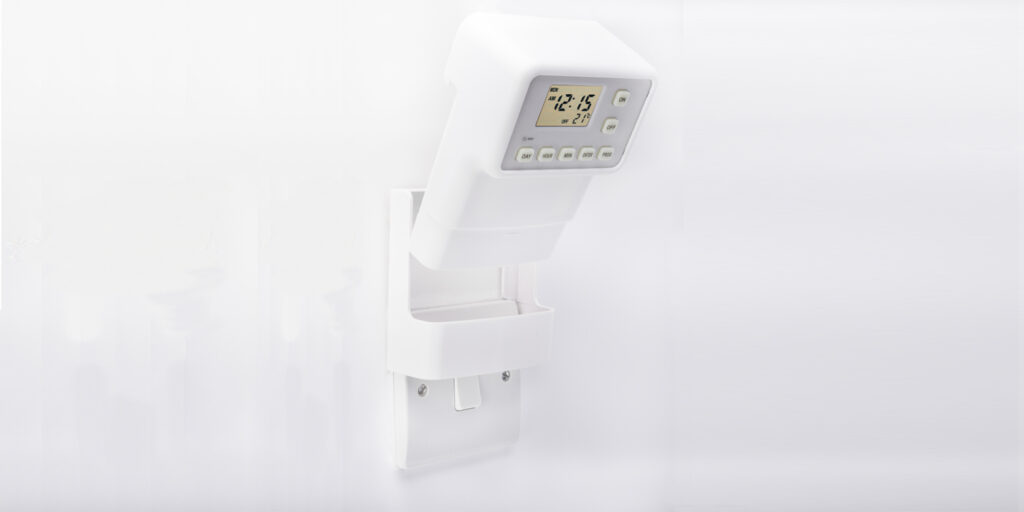
A programmable light switch timer gives you reliable, automatic lighting with minimal effort.
Whether you’re improving home security or just adding convenience, it’s a simple upgrade that makes a real difference.
👉 Learn more about the easy-to-program light switch timer — designed for quick setup and reliable everyday use.
FAQs
How do I set a timer switch for lights?
Set the current time, enter your ON and OFF times using the programme button, and save your settings. The timer will then run automatically on a 24/7 schedule. This will not end unless programmes are altered or if programmes are manually stopped using the deactivation feature.
Do timer switches use a lot of electricity?
No — The light switch timer is battery operated. It uses very little power and can actually reduce overall energy use by preventing lights being left on.
What is the best time to set a light timer?
Most people set lights to turn on at sunset and off before bedtime to create a natural occupancy pattern. Likewise in winter months the same can be done for a morning routine.
Can I leave the timer switch on all the time?
Yes — The light switch timer has been designed to operate as a permanent fixture. It safely controls lighting on a daily schedule. For users who prefer to use the home security lighting device when they are away only the simple 30 second installation process makes this easily achievable.